orders & customers
Create, fulfil, cancel, refund and return — each mapped to the right CRM status.

Orders, customers, fulfilment, returns and delivery updates — synced to Salesforce automatically. No manual entry, no per-brand connectors.
01 — how it works
CRM Connect plugs into the MuleSoft layer and payload contract you already run. Nothing in Salesforce has to change.
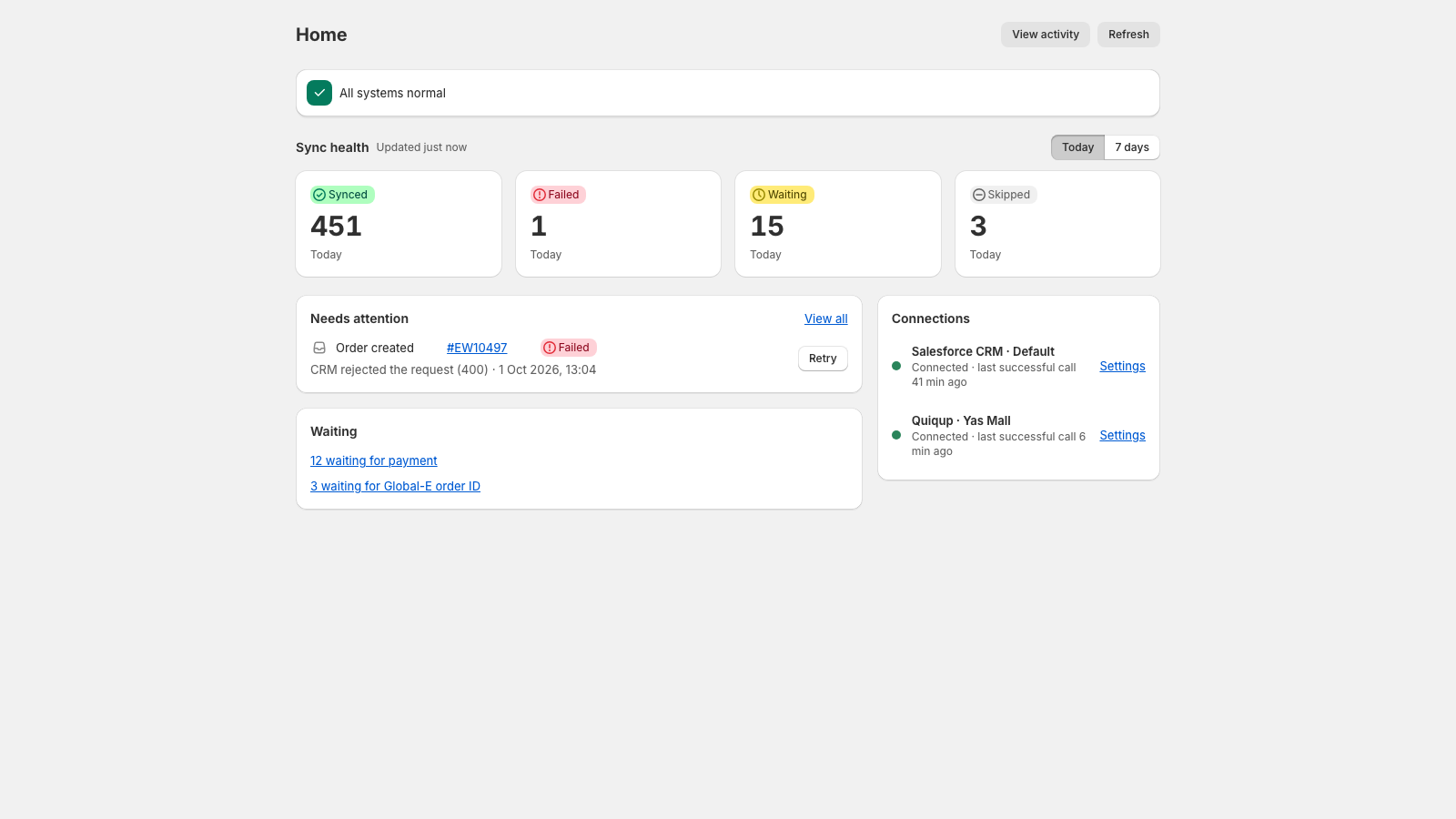
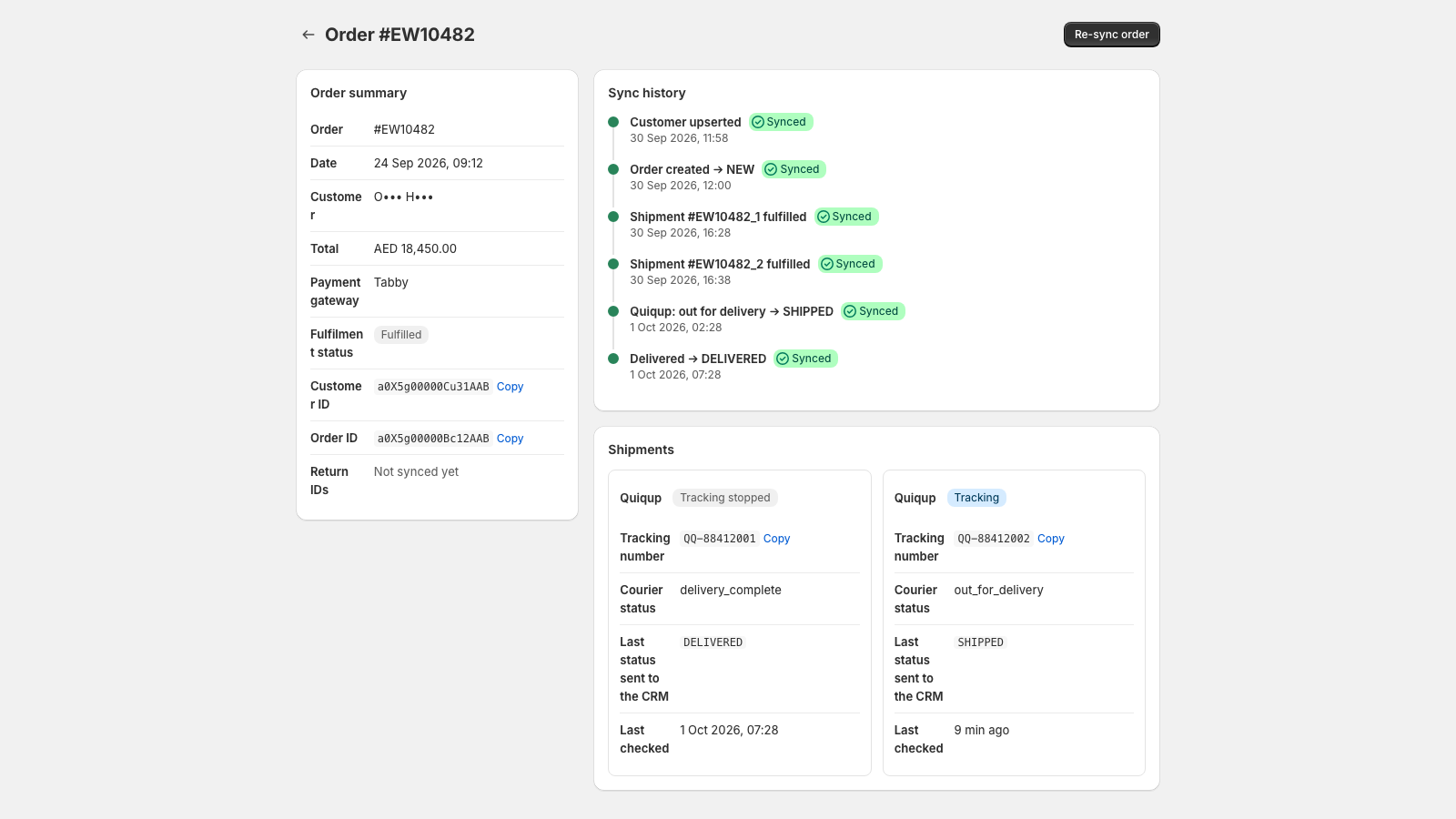
Salesforce IDs written back to store metafields; every sync is a job with a correlation ID.
Verified, deduplicated webhooks. Automatic retries with backoff on a dedicated worker.
Items not ready to send — awaiting payment, say — wait with a stated reason.
02 — what it covers
Create, fulfil, cancel, refund and return — each mapped to the right CRM status.
Courier status polled and pushed to the CRM. Re-deliveries notify customers by email.
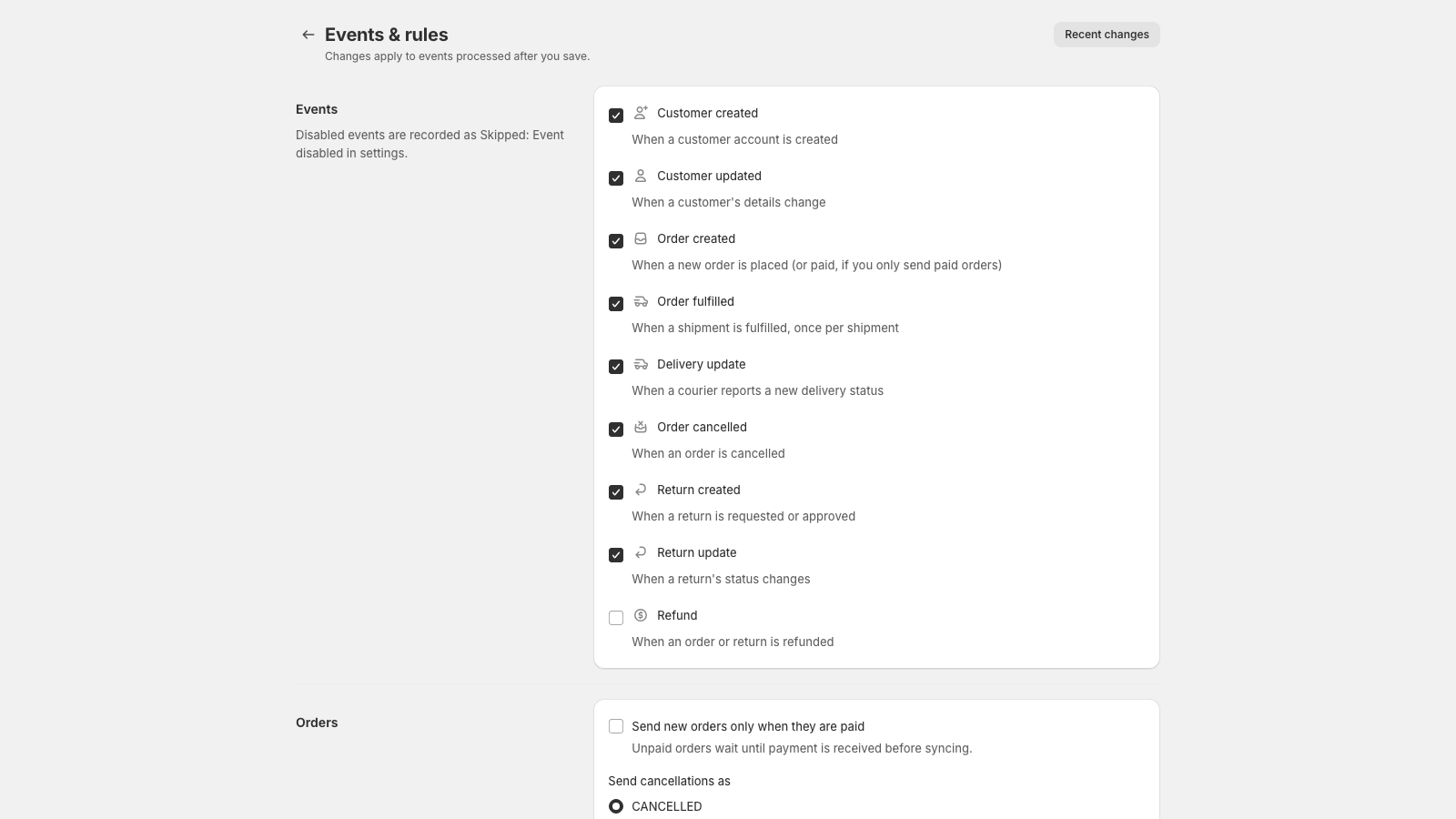
Events, tender, tax and payment mapping, country and fulfilment routing — per store.
Newsletter and contact forms into the CRM. Track-my-order for customers.
03 — in the admin
04 — scale & security
modules · on per store
security & compliance
05 — rollout
From the Shopify App Store, into the admin.
MuleSoft endpoint and credentials, verified by a test call.
Events, tax, payments, tender and routing.
Events sync automatically; health visible from day one.
A short call to map your stores, events and CRM contract.
support · contact form or in-app · privacy · billing · terms